Editing your own site with a Git-based CMS
How a Git-based CMS lets you change text, photos and blog posts without a developer, without monthly fees, and without breaking the layout.
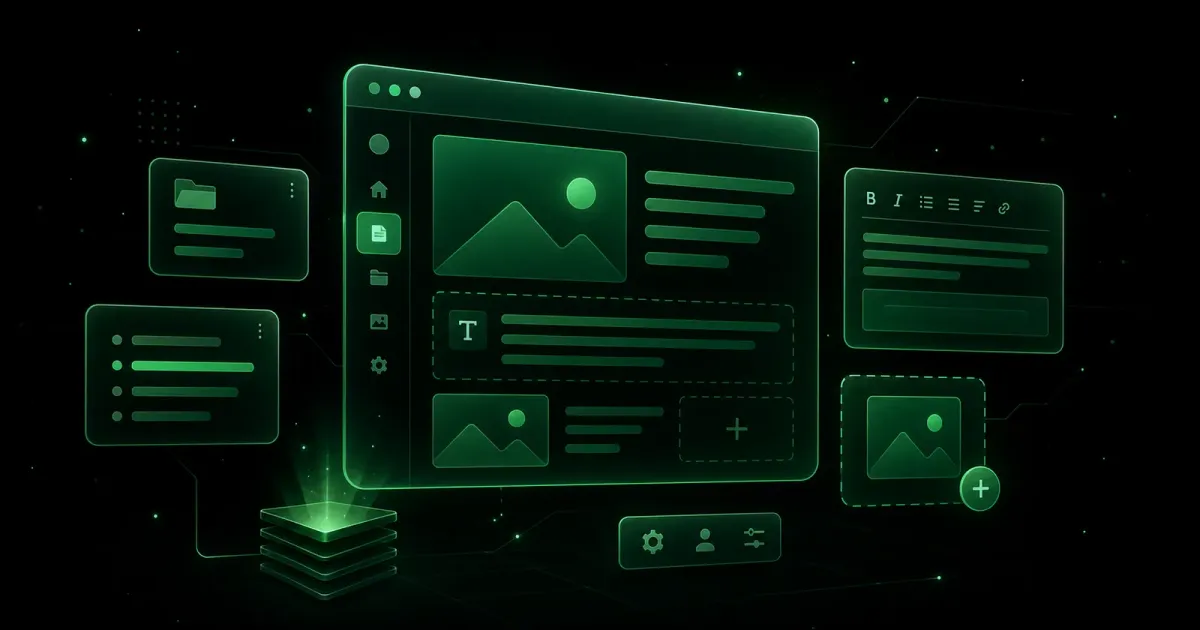
The most common objection to a static site: “Fast, fine. But if I want to change a price or add a photo, do I have to call you every time?”
No. And if a provider tells you otherwise, ask questions — a site the owner can’t edit either goes stale or generates an invoice for every comma.
Here’s how it actually works, and what you can and can’t do yourself.
The principle
On a classic WordPress site, your content lives in a database. You log into an admin panel, make a change, it’s saved to the database, and the page is rebuilt on every visit.
On a static site with a Git-based CMS, content lives in text files inside your code repository. You log into an editing interface, make a change, and the tool writes it to those files. The site rebuilds and redeploys automatically, usually in one to two minutes.
From your side the experience resembles WordPress: fields, text, a save button. The difference is what happens behind it — and the consequences are concrete.
What it changes for you
No subscription. Pages CMS and Decap are free. No per-user cost, no tier to cross as your content grows.
Complete version history, free. Every change is recorded with its date and author. You can see exactly what changed and roll back to any earlier version. On WordPress that usually means a paid plugin.
The site stays fast. Editing content doesn’t slow the site down, because there’s no database queried on each visit. It’s as fast after three years and two hundred articles as on day one.
Nothing to maintain. No monthly security updates, no plugins to watch. The risk of being hacked because an extension went un-updated disappears.
You physically own the content. Your text is readable files in your repository. If you change providers, you leave with it. This matters more than it sounds — disputes over site access are common.
What you can edit yourself
I always spell this out at the start of a project, because it determines your real autonomy.
Fields are defined in advance, one by one. For a typical brochure site that covers:
- All page text: headings, paragraphs, buttons
- Contact details: phone, email, address, opening hours
- Photos and images
- Blog posts: create, edit, delete
- Services, prices, team members, FAQs
- The titles and descriptions that appear in Google
What you can’t do: move blocks around, change colours, alter a page’s structure. That’s deliberate. The CMS exposes fields, not a free-form page builder. You can’t break the layout by accident — which is the leading cause of sites becoming incoherent after six months of page-builder editing.
It’s a trade-off: less freedom, far less risk. For most businesses that’s the right balance. If you genuinely want to recompose pages freely, say so upfront — it changes the tool choice.
A typical editing session
- Open the interface and sign in with your GitHub account.
- Pick what you want to change — say “Site text” then “Home”, or “Blog” then “New post”.
- Edit the relevant fields.
- Save.
- One to two minutes later the live site is updated.
The rebuild delay surprises people at first: on WordPress the change is instant. Here the site is regenerated and redeployed. In exchange, visitors receive a ready-made file from a content delivery network — which is where the speed comes from.
The honest limitations
You need a GitHub account. It’s free and takes two minutes, but it’s an unfamiliar step for a business owner. I set it up with the client at handover.
The interface is in English on most of these tools. The field labels, however, are whatever the developer names them — I always write those in the client’s language.
An undeclared field is an invisible field. If the developer forgets to declare a piece of text in the configuration, you won’t be able to edit it, and nothing warns you. That’s the main trap with this kind of tool, and I made the mistake on this very site: around fifty strings were unreachable from the interface until I audited field by field. Ask your provider to verify that every text is exposed.
Simultaneous editing is handled poorly. If two people edit the same file at once, you can get a conflict. For one to three editors it’s a non-issue. Beyond that, a hosted CMS like Sanity fits better.
Is it right for you?
Yes, if you update content occasionally — a few times a month — one or two people do it, and you want to avoid subscriptions.
No, if you publish several times a day with an editorial team, with review and approval before publishing. A hosted CMS does that job better and the extra cost is justified.
For the vast majority of brochure, practice and SME sites in Morocco, the first case applies. This site runs exactly that way.
Question about your specific setup? Get in touch — I reply within 24 hours.
See also: the brochure website page, to see what a simple site looks like without a technical dependency.
Services related to this article
- Website Maintenance in Morocco — 600 MAD/month Keep a site current, fast and safe without thinking about it.
- Business Website Design in Morocco A structured professional presence that reassures prospects and feeds your sales pipeline with qualified enquiries.
- Brochure Website Design in Morocco — 3,500 MAD A clear site that presents your business and prompts contact, without unnecessary complexity.